Apr. 13, 2026 - Dashboard Data API, Edit Dashboards Permission & Edit Project of Health Report
🚀 What’s new?
🔌 Dashboard Data API
You can now access your dashboard data via API to build custom automations, reports, and integrations with external tools.
The new https://api.psa.metric.ai/dashboard_data endpoint lets you retrieve
the same data that powers your dashboards - including card values, chart series,
and table reports - in a structured JSON format.
What you can do:
- Fetch all card values (including Formulas) from a dashboard by its ID.
- Retrieve data from any individual widget - charts or tables.
To get started, contact support to obtain your API access token, then check out the API documentation for endpoints, examples, and authentication details.
🔐 Edit Dashboards Permission
We’ve added a new Edit Dashboards permission that gives you granular control over who can create and modify dashboards in your organization.

How it works:
- Users with the Edit Dashboards permission can create new dashboards, duplicate existing ones, and edit dashboards they own or are assigned as editors on.
- Users without this permission and with View Dashboards can still view dashboards that have been shared with them - they just can’t make changes.
To configure, go to Settings › Access Levels and adjust the Edit Dashboards permission for each role.
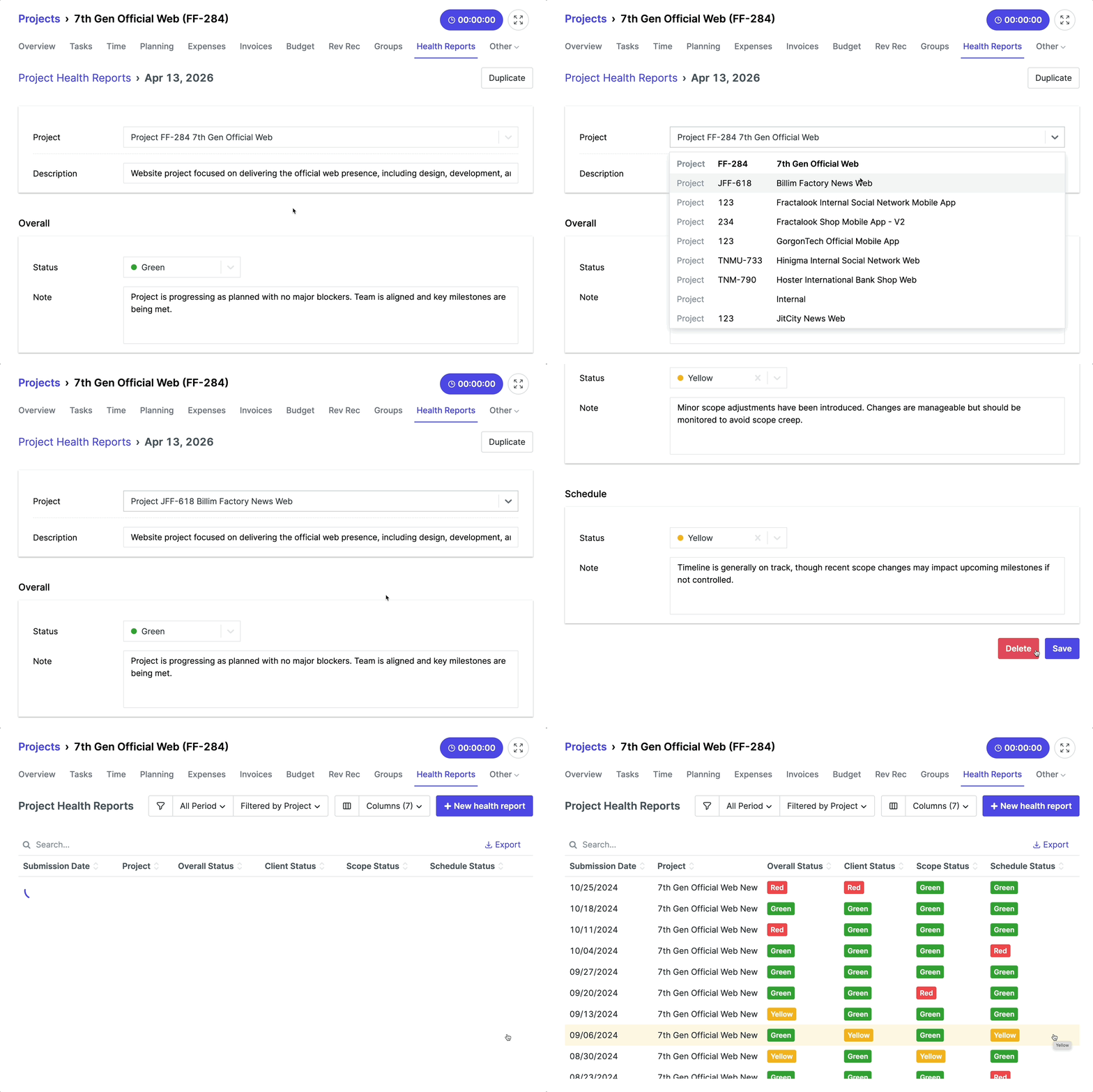
📝 Edit Project of Health Report
You can now change the project associated with a health report directly from the report itself.
Previously, if a health report was linked to the wrong project, you had to delete it and create a new one. Now you can simply edit the project assignment.